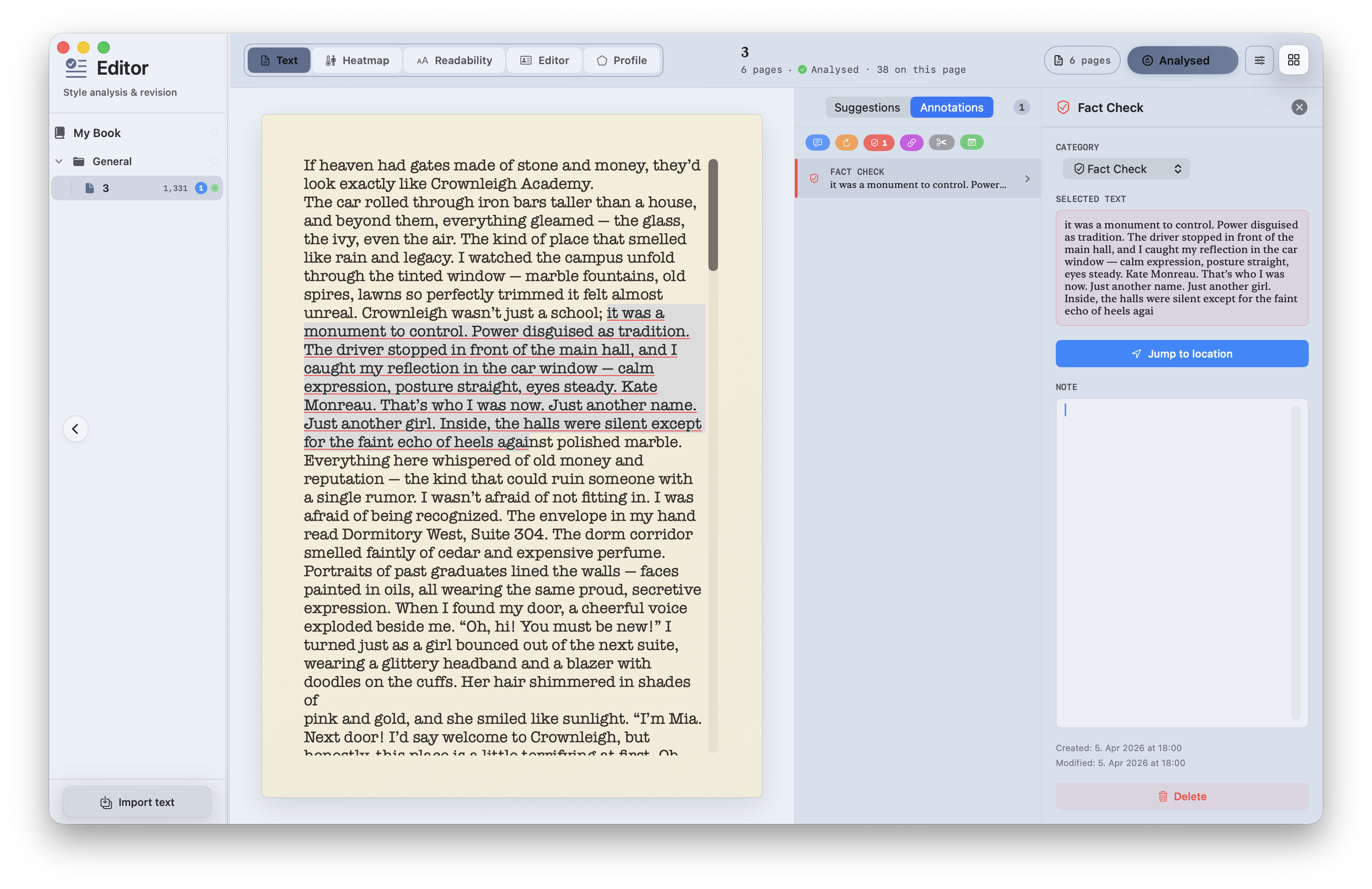
New: Annotations on the Editor Desk
A new feature I completely forgot to mention yesterday: the Editor Desk now includes annotations. Notes and comments can now be managed directly in the part of the app where revision and analysis already happen, which makes a lot more sense than pushing them somewhere outside the actual editing flow.
Fewer false positives in English repetition detection
The English repetition detector was still a bit too aggressive in some cases. Words that appeared multiple times but were far apart in the text were still being flagged as suspicious repetition, for example “look” on one page and “looked” much later in the manuscript. That has now been adjusted. The analysis only reacts to repetitions that actually cluster close together, while distant reuse is ignored.
Editor Desk: better performance and more stable highlights
There was an annoying issue in the Flowing Text Editor on the Editor Desk. The editor was updating far too often, which caused visible flicker, brief moments where text disappeared and immediately came back, and highlights that drifted to the wrong positions while editing.
The cause was a feedback loop in the update cycle. During auto-save, identical content was being pushed back into the editor even though nothing had meaningfully changed. On top of that, annotation resolution and highlight recomputation were running far too often without a real reason.
This has now been cleaned up in several steps. First, the text buffer is only reloaded when the content has actually changed, which breaks the sync loop that caused the flicker. Second, annotations are now only reloaded when the buffer is genuinely refreshed, for example when switching stacks or when real external changes come in. Third, highlights now track their positions live while you type. Edits before a highlight leave it in place, edits after it shift it correctly, and direct edits inside flagged text remove that highlight immediately. For larger actions such as paste, cut, or undo, highlights are cleared on purpose until the text is analysed again.
The result is simple: much less visual churn, less unnecessary processing, and highlights that finally stay where they belong.